
A bike fit that fits. From a single photo or video.
Take a photo or a short video of yourself on the bike and ComfiVelo calculates your joint angles. You get clear advice on what to change. Everything runs on your phone, your photo never leaves it.
- 2 free analyses
- Photo stays on your phone
- Road and gravel bikes
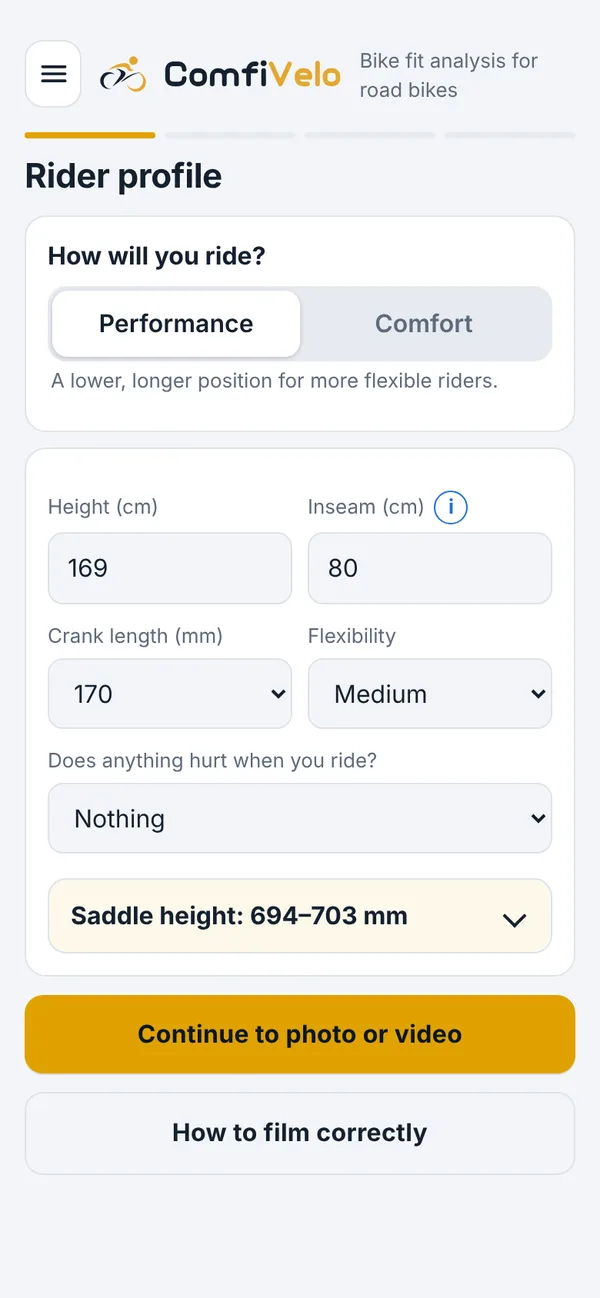
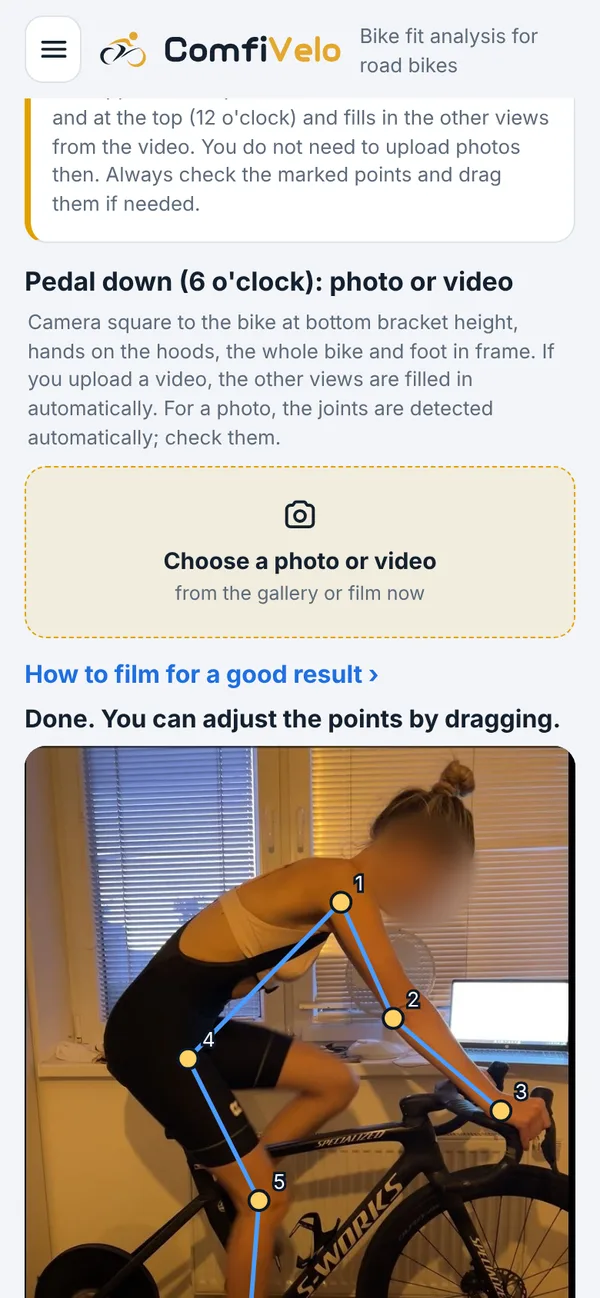
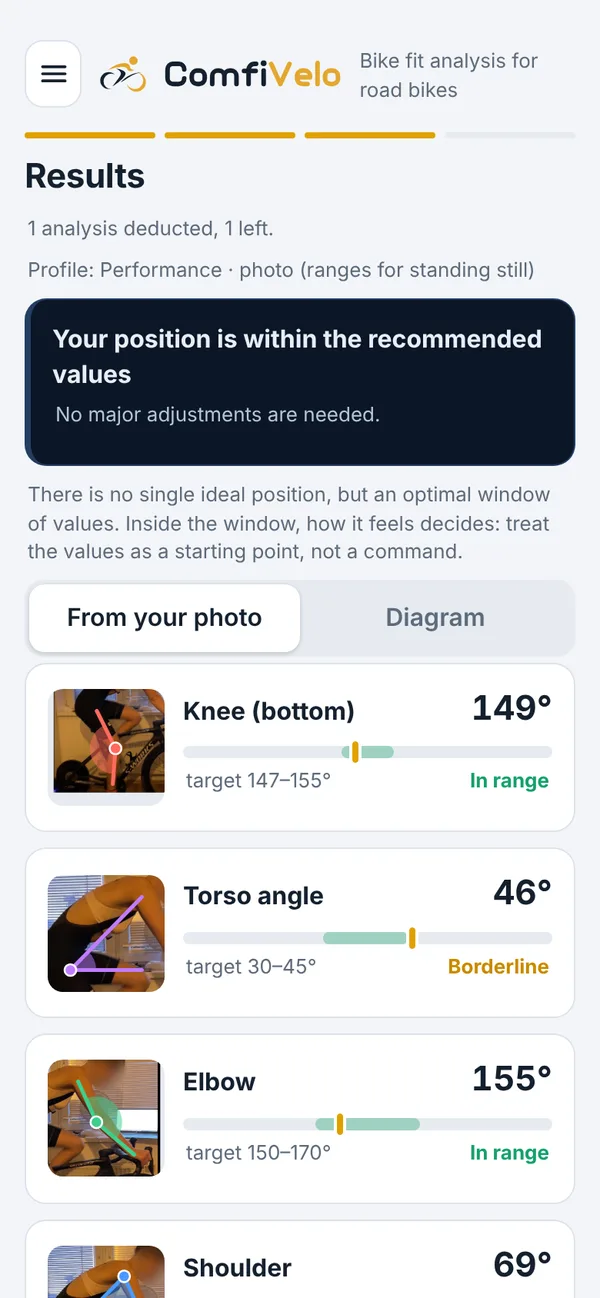
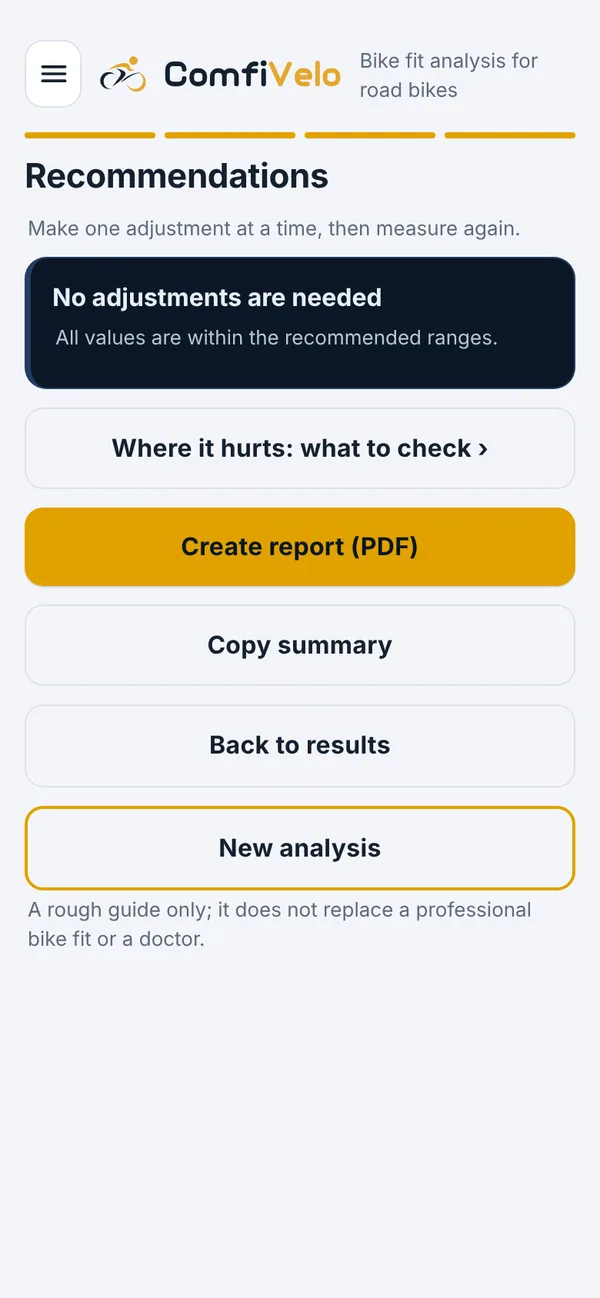
Real app screens with sample data. The look may still change before release.
Want to know when the app is out?
Leave your email and I will write to you once, when it is ready.
A bike fit you can do at home
ComfiVelo is made for people who are not happy with something on their road bike: sore knees, back or hands, or who simply want to confirm that they sit well. It does not replace a professional fitter. It gives you indicative numbers and a way to reach a better position in small steps.
Angles from a photo or video
Shoulder, elbow, torso, hip, knee and ankle. Calculated from points that you confirm yourself.
Processing on your phone
Pose detection runs on the device itself. The photo is not uploaded to a server.
Advice in small steps
Changes of millimetres, not centimetres. One thing at a time, and a check after the ride.
A report to save
An overview of angles, your photo and recommendations. Useful for a fitter or for your own comparison.
Comparison over time
After an adjustment you take a new photo and see what changed.
Honest limits
No miracle promises. If pain does not go away, the advice belongs with a doctor or a fitter.
Four steps, about ten minutes
- 1
Enter your details
Pick your riding style (Performance or Comfort) and enter height, leg length, crank length, flexibility and whether anything hurts.
- 2
Upload a video or take a photo
The bike from the side, on a trainer or leaning against a wall. Just pedal for a moment, or take one photo with the leg down, ideally from each side for a better assessment. The app tells you how to film.
- 3
Check the points
Detection suggests the points, you confirm or drag them. You decide, not the machine.
- 4
Get advice
Angles against recommended ranges, an adjustment step and a report. You adjust, measure again and compare.
Practical reading on bike fit
I write from my own experience and from studies. I separate what was measured from what is my opinion. No article replaces a fitter or a doctor.
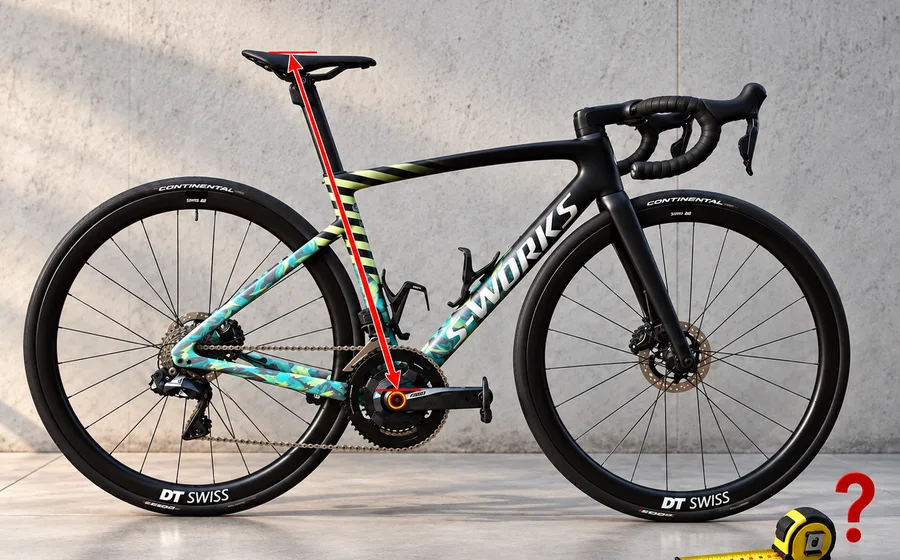
How to set your saddle height
Estimate from leg length, millimetre steps and checking with the knee angle.
5 min read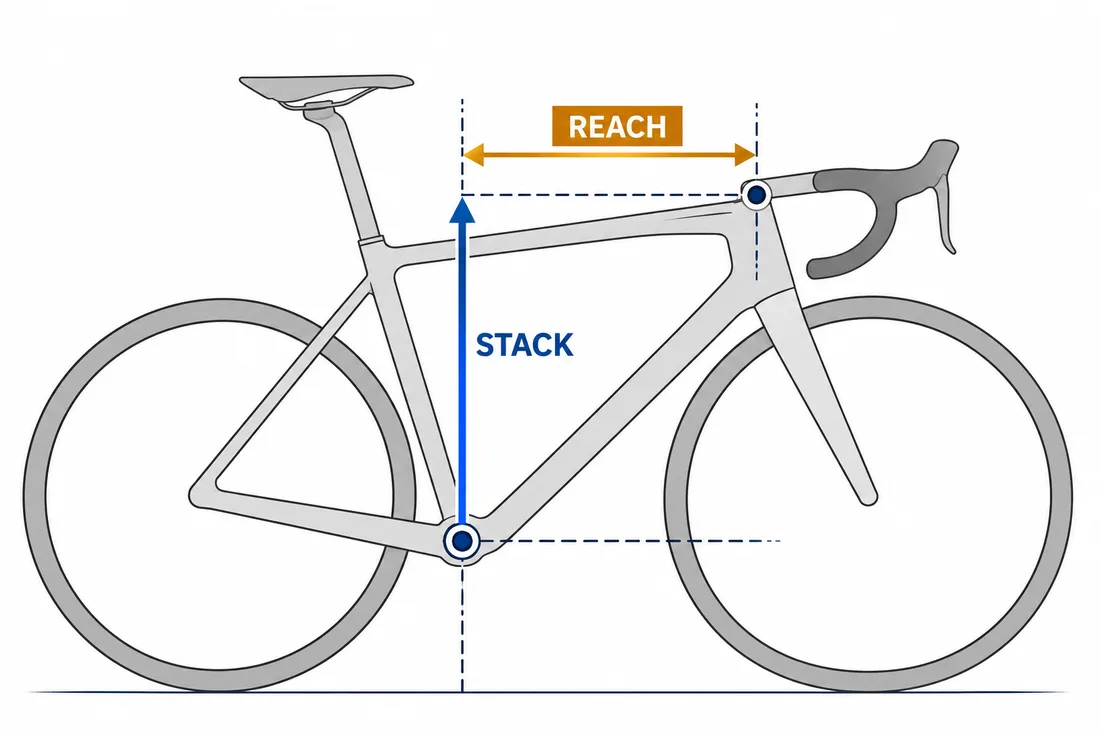
How to choose the right road bike size
Stack, reach and what to do when you are between two sizes.
6 min read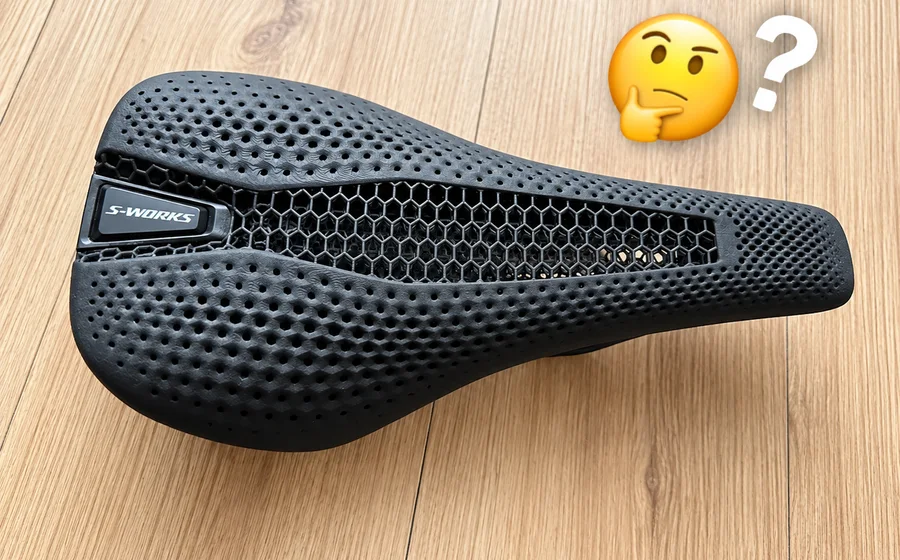
How to choose a road bike saddle
Width by sit bones, shape, trying saddles and also padded shorts.
4 min read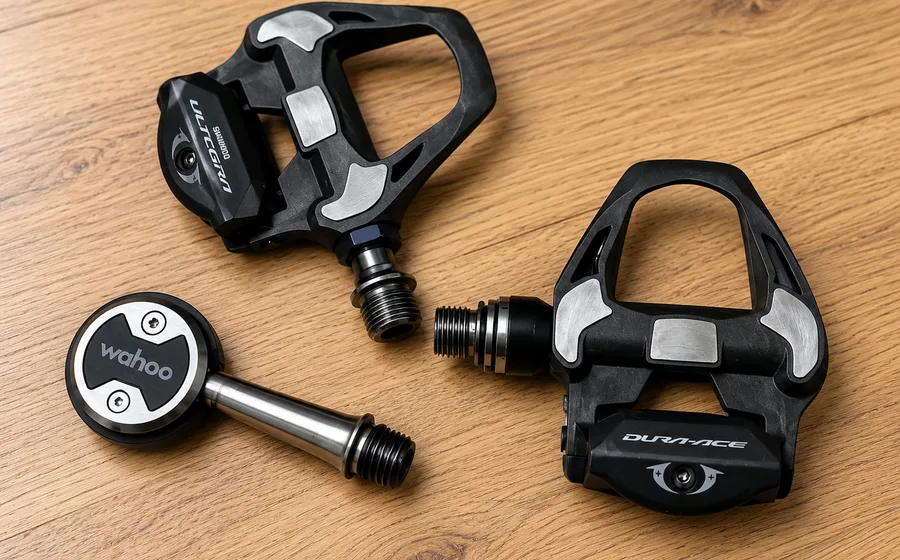
When to choose extended pedal axles
Stance width, knees and a +4 mm axle in practice.
6 min read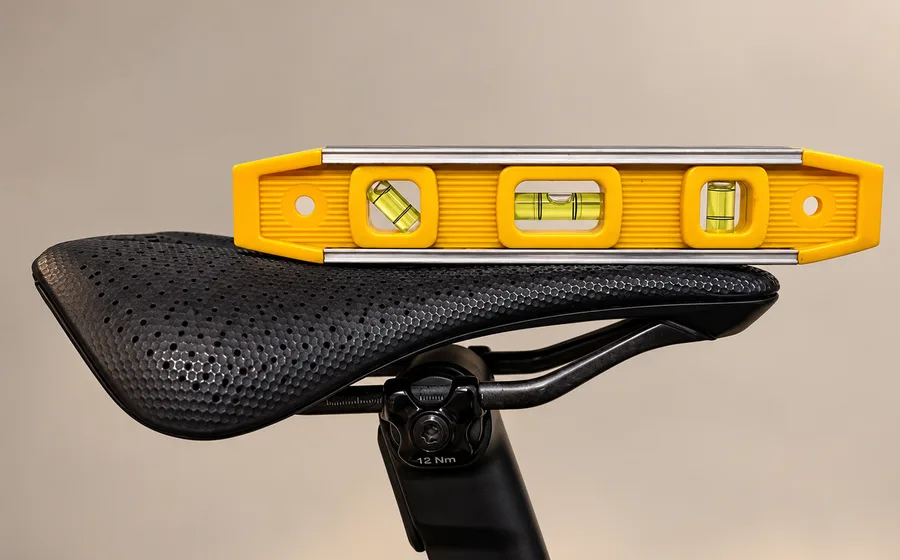
How to set your saddle tilt
Level as a starting point, how to measure on a curved saddle and in what steps to fine-tune.
3 min read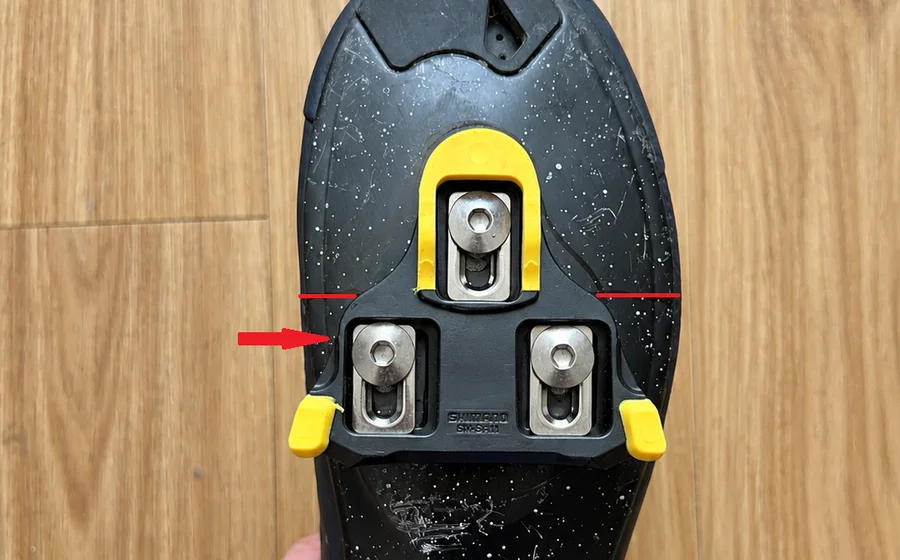
Cleats on cycling shoes: where to put them and how to adjust them
Fore-aft position, rotation, shims and when to address knee pain.
7 min readMore articles are coming: knee pain, back pain and handlebars, how to measure inseam.

Martin Budík, developer and cyclist
I develop software and cycling has long been part of my life. I ride roughly 20,000 km a year and have over 220,000 km logged on Strava. I have ridden more than ten road bikes and I am on the bike almost every day.
I label my own experience as “my experience”. It is not a study, but it comes from many years on the bike and can be a useful pointer on what to try. Every body is different, so check things in small steps.
Before you ask
When will the app be released?
It is being finished and tested. I do not have a date yet. Sign up and I will send you one message at release.
How much will it cost?
Two analyses will be free. The price of further analyses has not been set yet.
Where is my photo sent?
Nowhere. Pose detection runs on the device and the photo stays with you.
Is it suitable for a gravel bike too?
Yes. The position on a gravel bike is similar to a road bike, so the angles and advice apply there too. Ranges and recommendations are tuned mainly for road bikes, so treat the numbers as indicative on gravel. I do not cover mountain bikes yet.
Will it replace a bike fitter?
No. It gives indicative numbers and a method. For pain that does not go away, or for race-level setup, I recommend an experienced fitter and a doctor.
Is the app available in English?
Yes. The app and this website are available in Czech and English, and you can switch language in the app menu.
I will write when the app is out
One message at release and, if you choose it, news about new articles. No spam.
Launch the app (soon)